ByteDance · Image generation & editing
Seedream5.0 Lite
One idea.
A whole collection.
Give a product its first look. Change a detail, bring references together, then create a series that carries the same idea across different scenes.
Real Lite outputs. Every example includes its request JSON.

01 / A connected series
One product.
Three places to be.
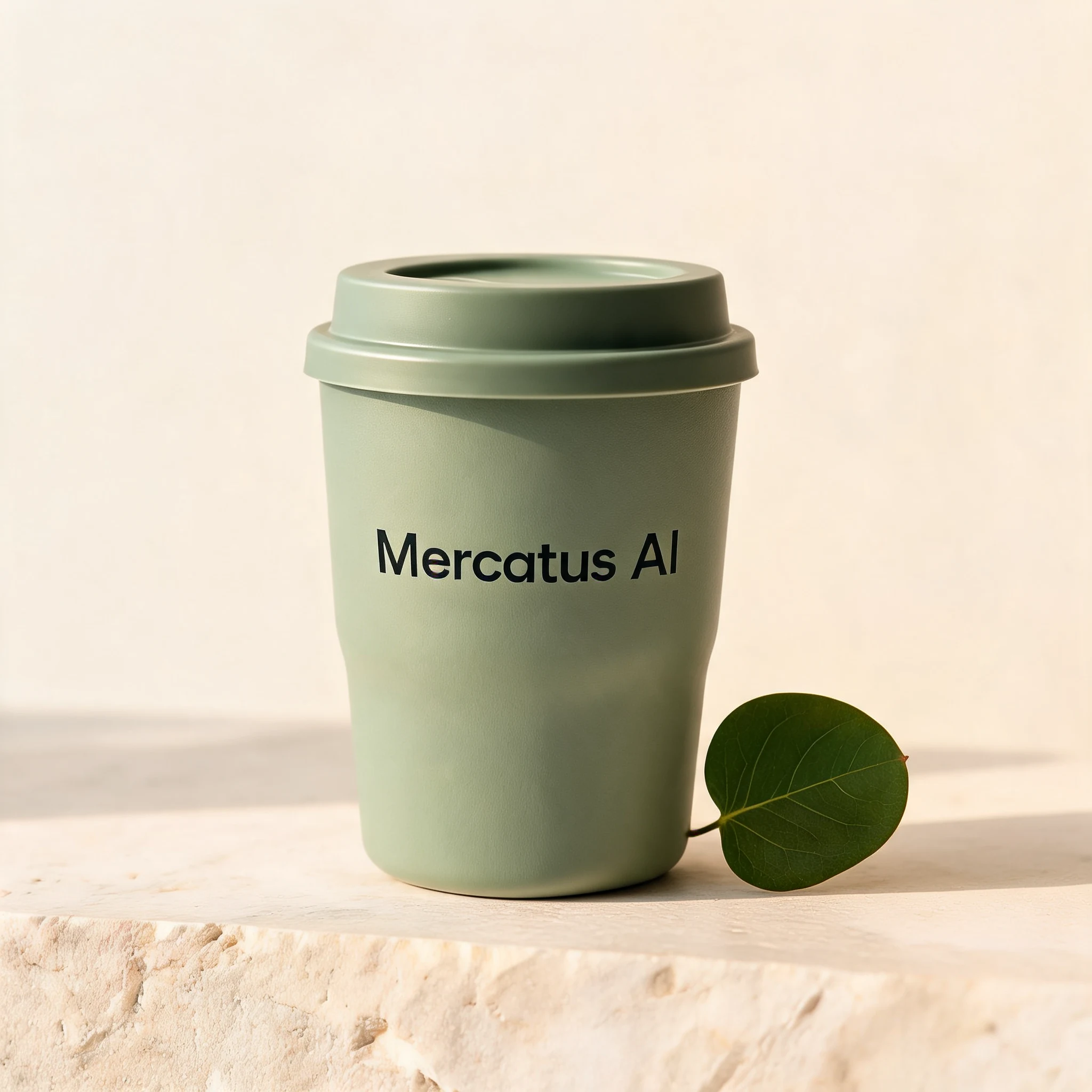
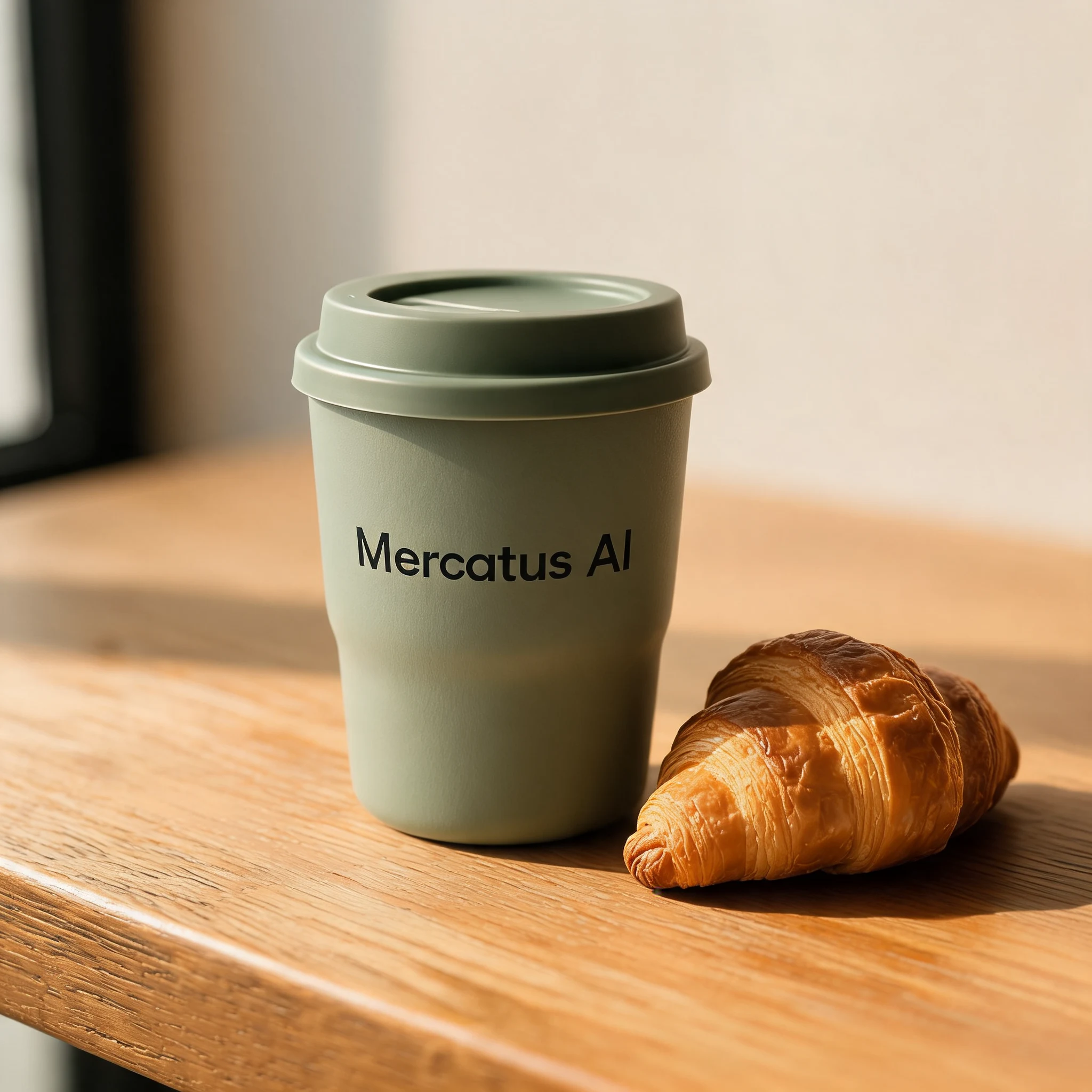
Keep the sage green cup as the reference. Ask for three separate scenes: a studio still life, a cafe table and a garden picnic.
Describe the sequence and set a maximum output count. This request returned three images with one shared product identity.
Input
Output · 3 images
Receive each image as it finishes.
The Image sets API tab includes JSON and SSE examples. With streaming enabled, each completed image arrives in its own event, followed by the completion event and usage.
A maximum, not a fixed count.
The prompt guides the series. Input references and generated outputs together must fit within the 15-image limit. These examples use one reference and request up to three outputs.
Streaming request.json02 / Edit an image
A different color.
The same design.
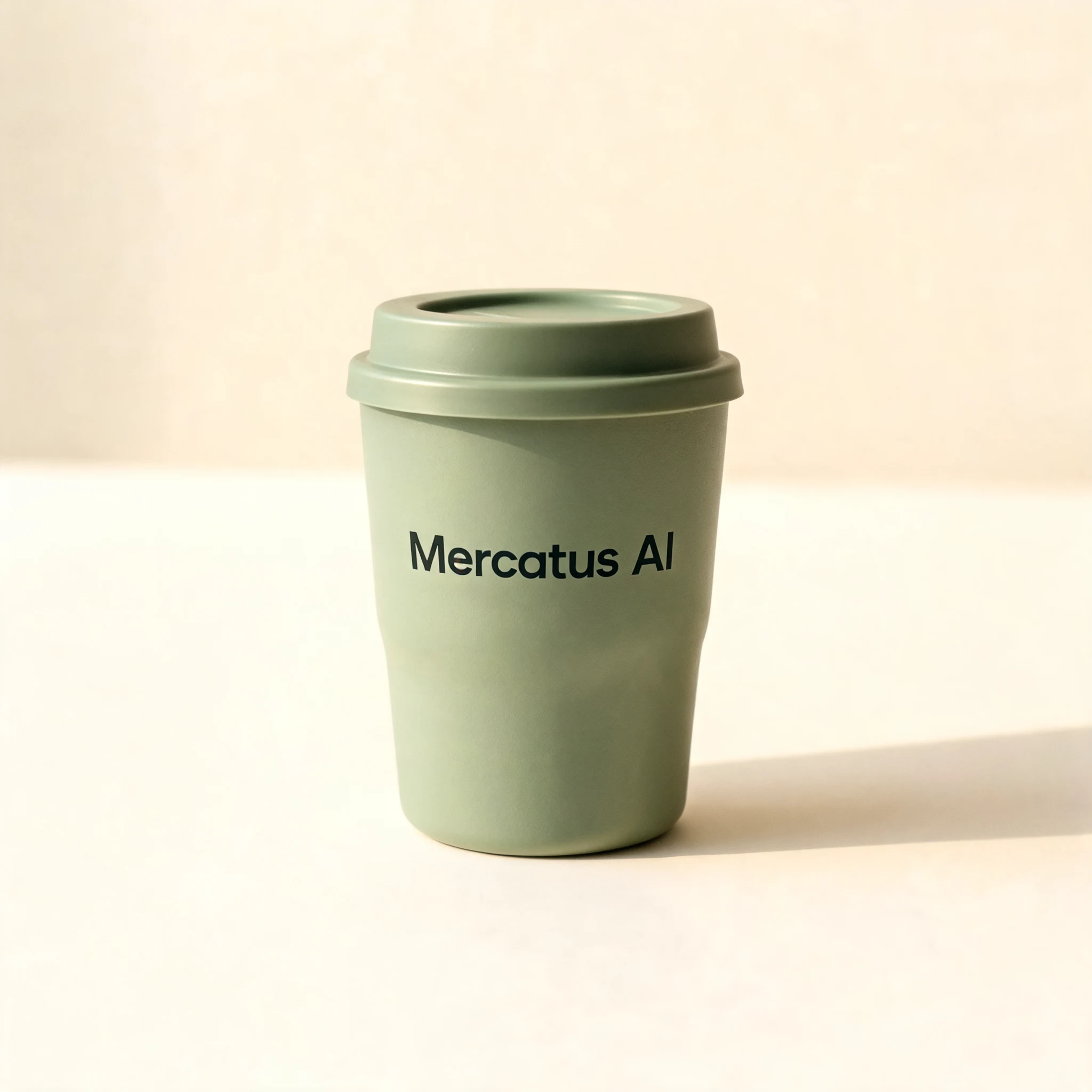
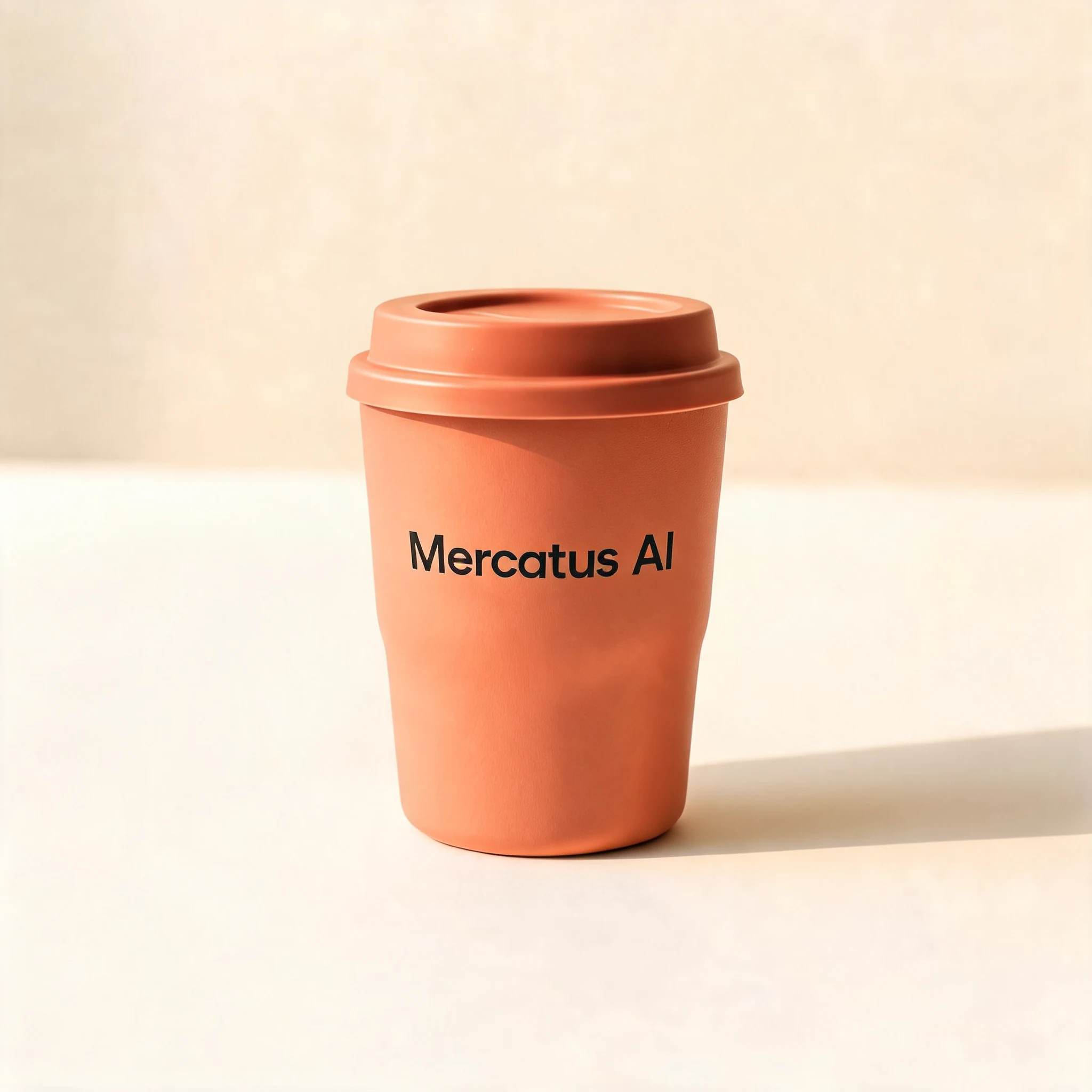
Turn sage green into warm terracotta. The request keeps the cup shape, wordmark, framing and studio lighting.
Input
Output
03 / Bring references together
Your product.
A new setting.
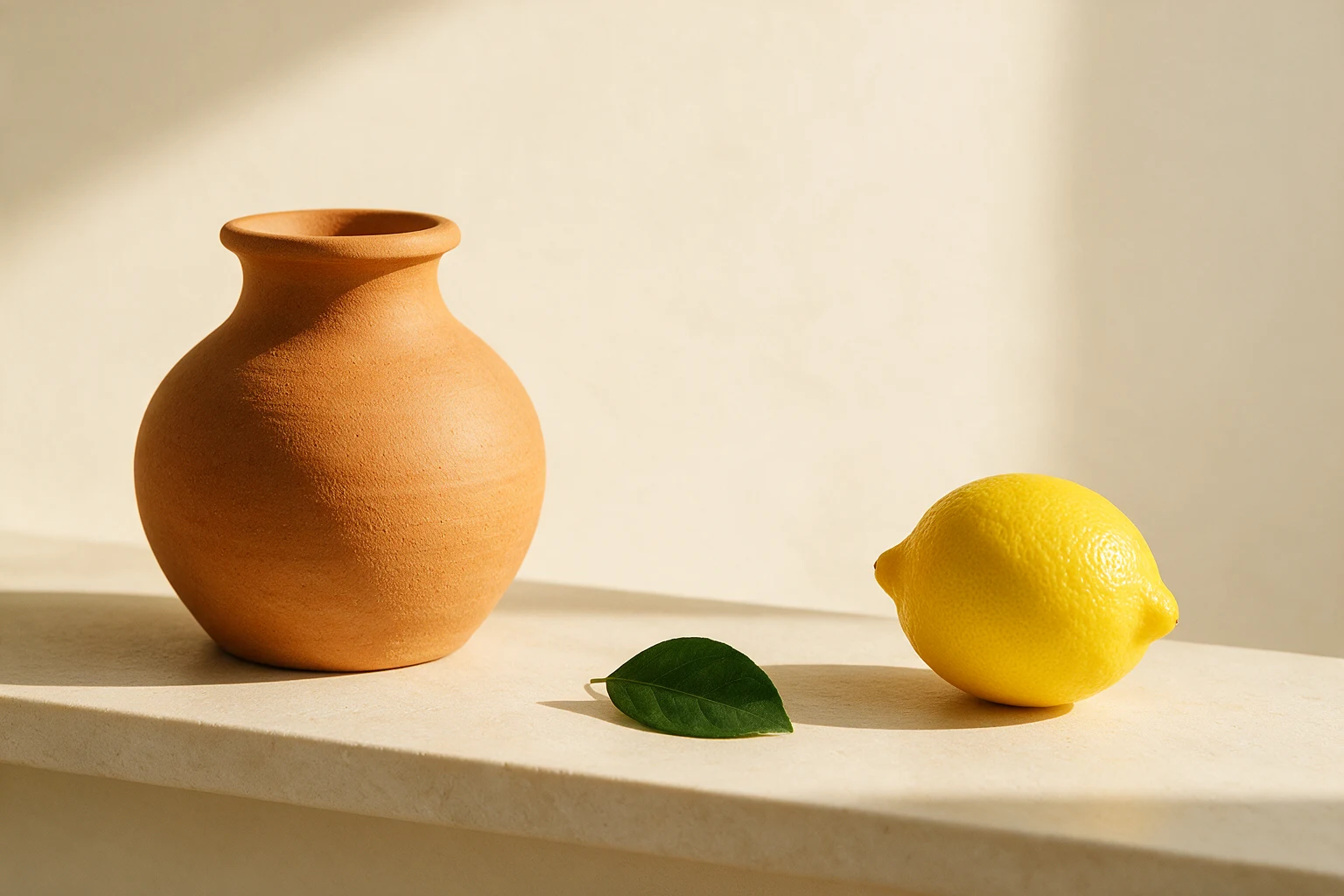
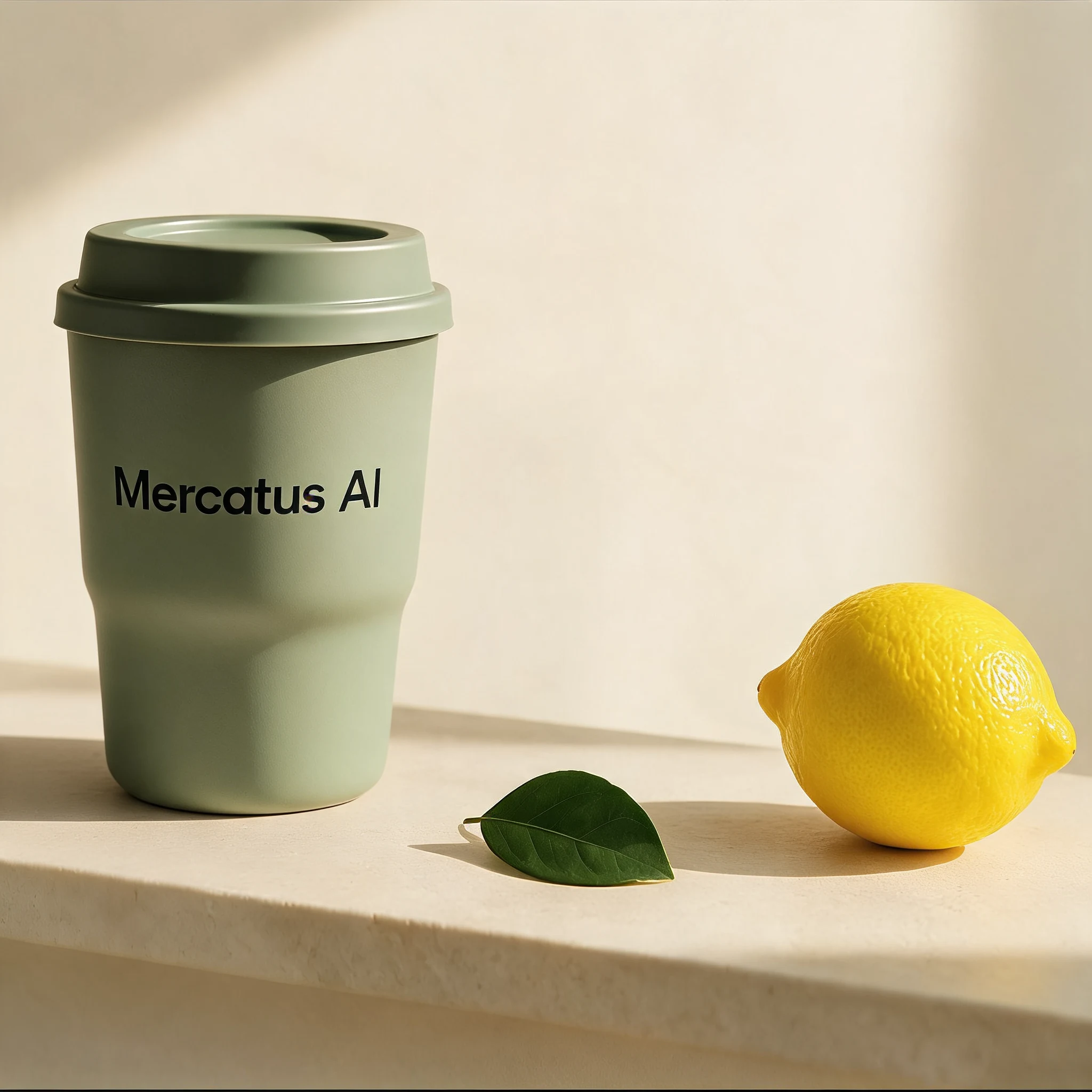
Use the first image for the cup and the second for the composition. Replace the vase while retaining the lemon, leaf and warm afternoon light.
Input · 2 images
Output
04 / Where it started
A few words.
A first look.
A sage green travel cup, a small wordmark and warm studio light. This generated image becomes the reference for every example above.
Keep the examples. Make them yours.
Download the reference images, five request JSON templates and a Python helper. Prepare requests locally, then run them with your Mercatus API key. Generated results can vary.