ByteDance · Image generation & editing
Seedream5.0 Pro
Create an image.
Keep shaping it.
Start with a scene or a multilingual poster. Bring references together, make a precise edit, or work with individual transparent layers.
Real Pro outputs. Every example includes its request JSON. Explore series generation with Seedream 5.0 Lite.
01 / Precise edits
Small changes.
New possibilities.
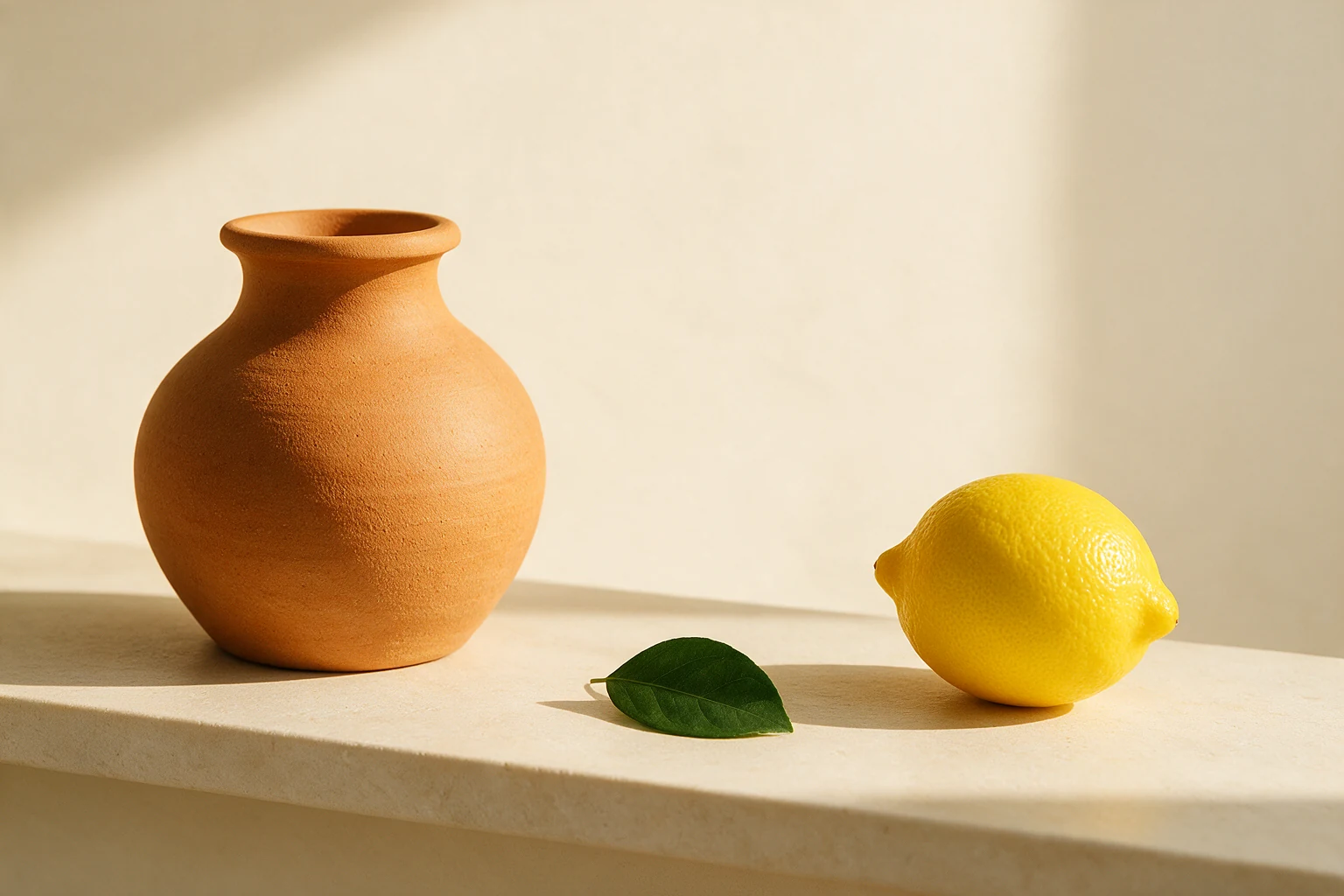
Try two ways to change the same scene. Drag across each image to compare the original with the result.
A point identifies an object. A box selects an area. Keep the rest of the scene in place.

Change one object
Point to the vase and ask for cobalt blue. Keep the composition, lighting and surrounding objects.
02 / Multi-image composition
Two references.
One composition.
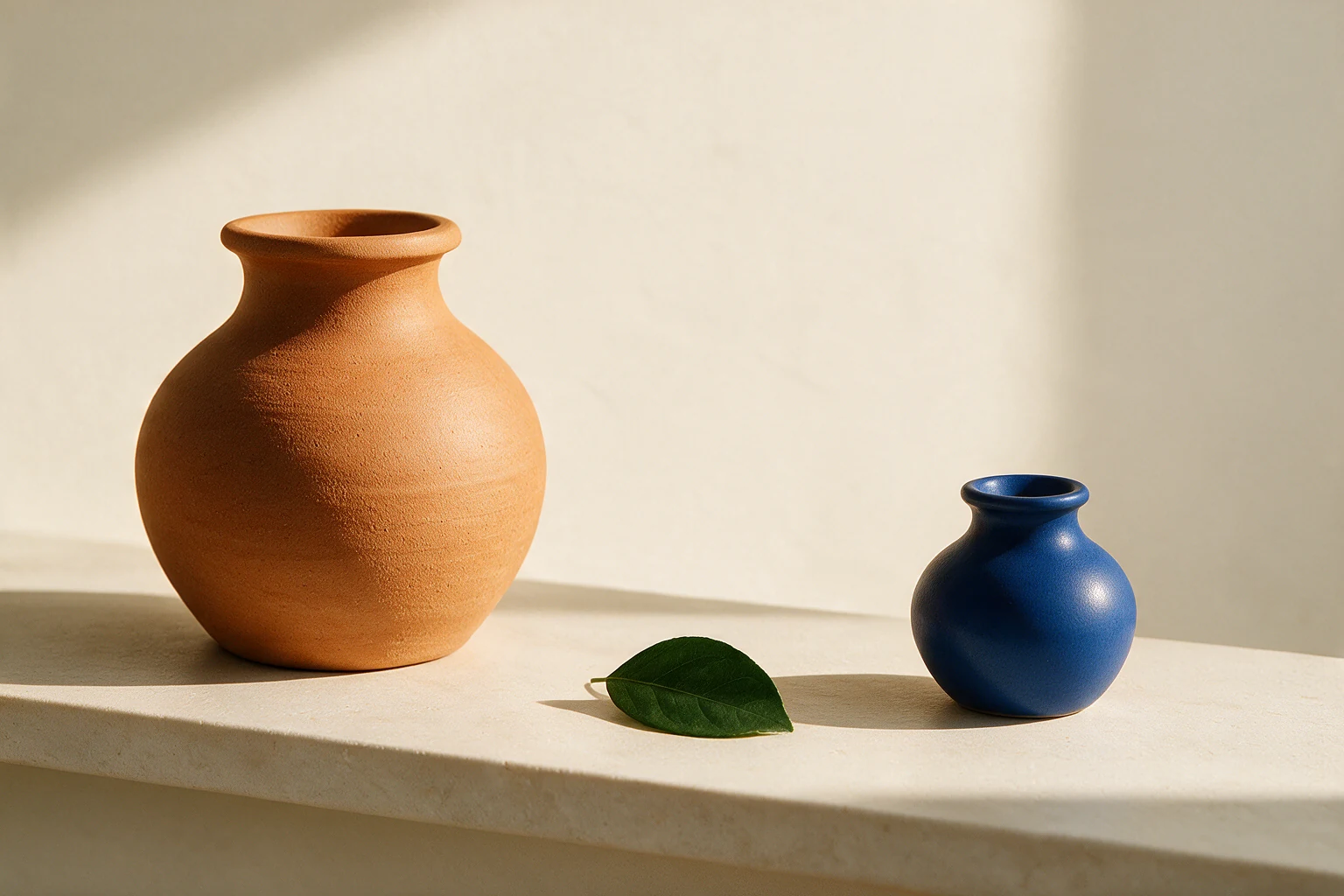
Take the blue vase from the first image and use it to replace the lemon in the second. Keep the orange vase, green leaf and lighting in place.
Give each reference a clear role: the object to bring in, and the scene to preserve.
Input · 2 images
Output
03 / Layer decomposition
One scene.
Separate pieces.
Separate the background, vase, leaf and lemon. Each object comes back as its own transparent image, ready for your next edit.

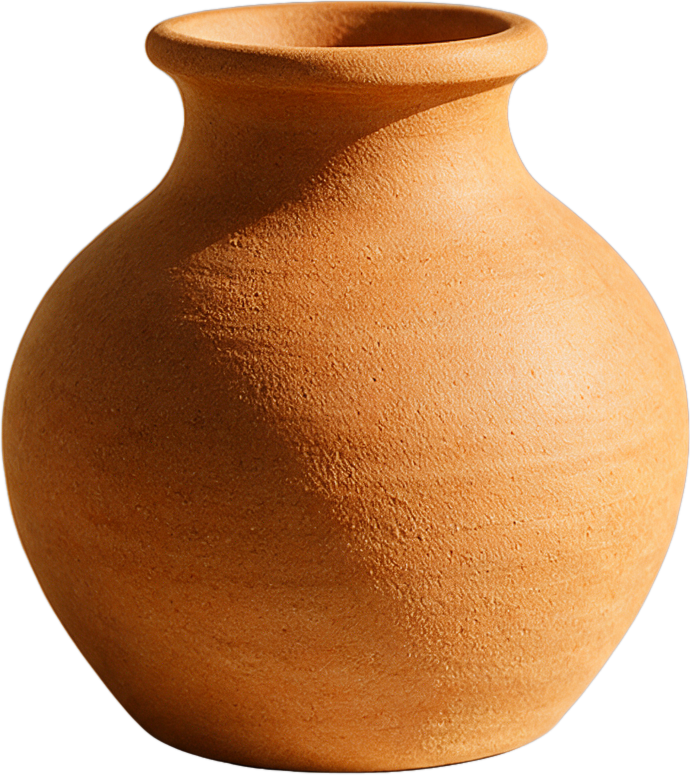


Toggle a layer to see what is underneath.
04 / Transparent editing
A new color.
The same transparency.
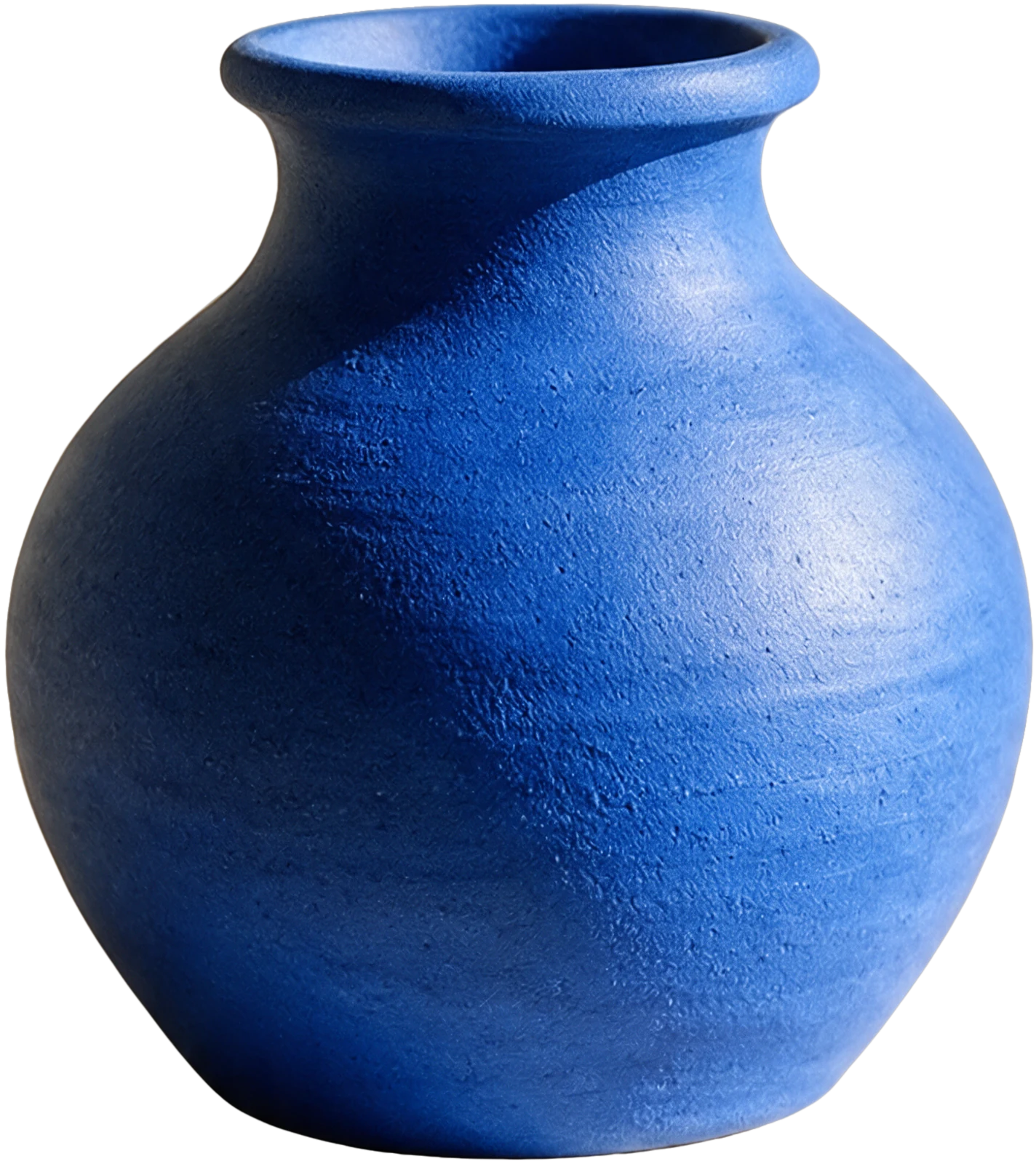
Take the extracted vase, change its color and keep its transparency. Bring the result into a product composition, a design or a new scene.
Start with a PNG that already has a transparent background. The edited result keeps that transparency, ready to place in your design.
Input
Output
05 / Multilingual typography
Your words.
Part of the image.
Give the model the words, languages and layout. This exhibition poster brings English, French and Japanese into one composition. The lettering is generated with the image.
- English
- FORM & COLOR
- French
- FORME ET COULEUR
- Japanese
- かたちと色
Check spelling and layout before using generated text in your design.

English · French · Japanese
Bring these ideas into your app.
Download the reference images, seven request JSON templates and a Python helper. Prepare requests locally, then run them with your Mercatus API key. Generated results can vary.